Webhooks & the Messages API: A Developer's Guide to the WhatsApp Cloud API
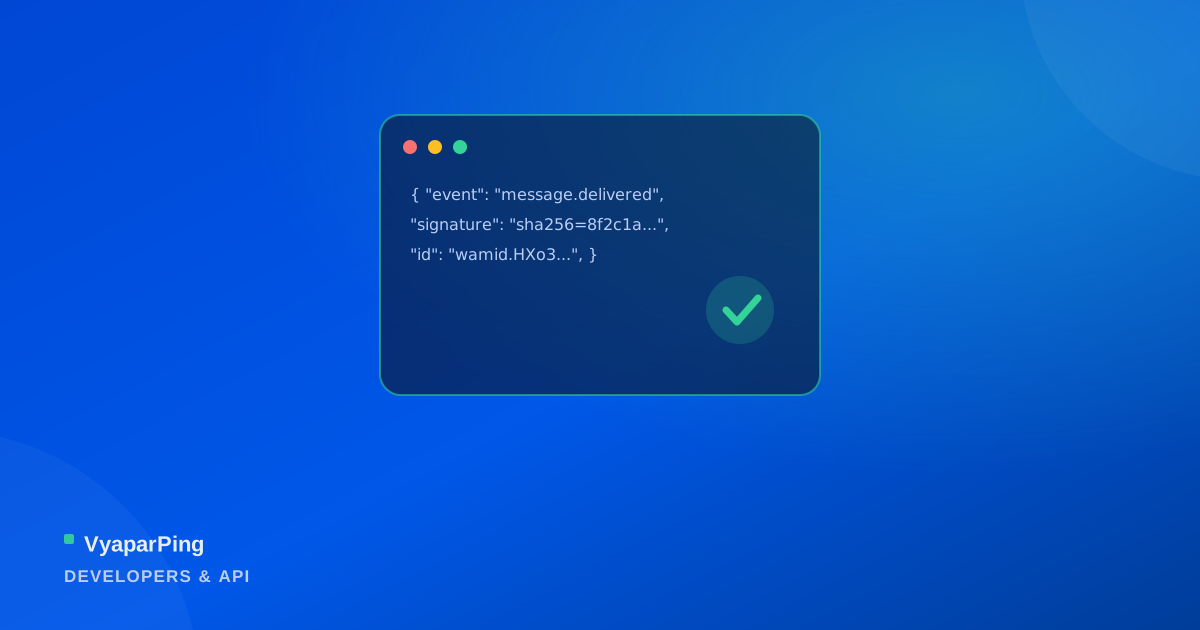
Sending a WhatsApp message via the Messages API is a single POST request. What separates a integration that works in a demo from one that survives production traffic is everything around that call: verifying that an inbound webhook genuinely came from your provider, handling delivery status updates correctly, and not double-processing the same event when a retry arrives.
Sending a templated message
A proactive message is a POST to the messages endpoint with the recipient, message type, and template reference (name, language, and any variable parameters the template expects). The response returns a message ID immediately — that ID is what later delivery-status webhooks reference, so it's worth persisting against your own record of the send, not discarding it.
Verifying webhooks are genuinely yours
Every inbound webhook — a customer reply, a delivery receipt, a template status change — arrives signed with HMAC-SHA256 over the raw request body, using a secret only your account and VyaparPing know. Before trusting a payload's contents, recompute the signature over the exact raw bytes received and compare it to the header value; skip this step and anyone who discovers your webhook URL can forge events into your system.
Handling delivery status updates
A single outbound message generates a sequence of status webhooks over time — sent, delivered, read, and occasionally failed with an error code. These typically arrive as separate events, not one final state, so a robust handler updates a message's status idempotently based on the latest status received rather than assuming events arrive in order or exactly once.
Idempotency and retries
Webhook delivery isn't exactly-once — a slow response or transient error on your endpoint can cause the same event to be retried. Every webhook payload carries a unique event/message identifier; a handler that keys off that identifier (skipping an ID it's already processed) stays correct even when the same event lands twice, which is a matter of when, not if, in production.
Pagination and rate limits
Endpoints for messages, contacts, conversations, and template status use cursor-based pagination rather than offset/page numbers — fetch a page, follow the returned cursor for the next one, and don't assume a fixed page count, since results can grow between requests. Respect the rate limit headers on every response; a burst importer that ignores them will get throttled mid-run rather than finishing faster.
Scoped keys, not one master key
API keys are scoped to specific permissions (send messages, read conversations, manage templates) rather than issued as one all-access credential. A key embedded in a server-side integration should carry only the scopes that integration actually needs — if it's ever exposed, the blast radius is limited to what it was scoped to do.
Frequently Asked Questions
Recompute the HMAC-SHA256 signature over the raw request body using your webhook secret, and compare it to the signature header on the request. Only trust the payload if they match exactly.
Yes — webhook delivery is at-least-once, not exactly-once. Handlers should dedupe using the event's unique identifier so a retried delivery doesn't get processed twice.
Yes — messages, contacts, conversations, and template status endpoints all use cursor-based pagination. Follow the returned cursor rather than assuming a fixed number of pages.
No — keys are scoped to specific permissions, and each integration should get a key limited to only the scopes it actually needs rather than one shared, all-access key.
Where this applies
The parts of VyaparPing that put this into practice.